Office Chairs: Your Back Will Thank You
Invest in your health with office chairs designed by experts to prevent back pain and improve posture...
12 min

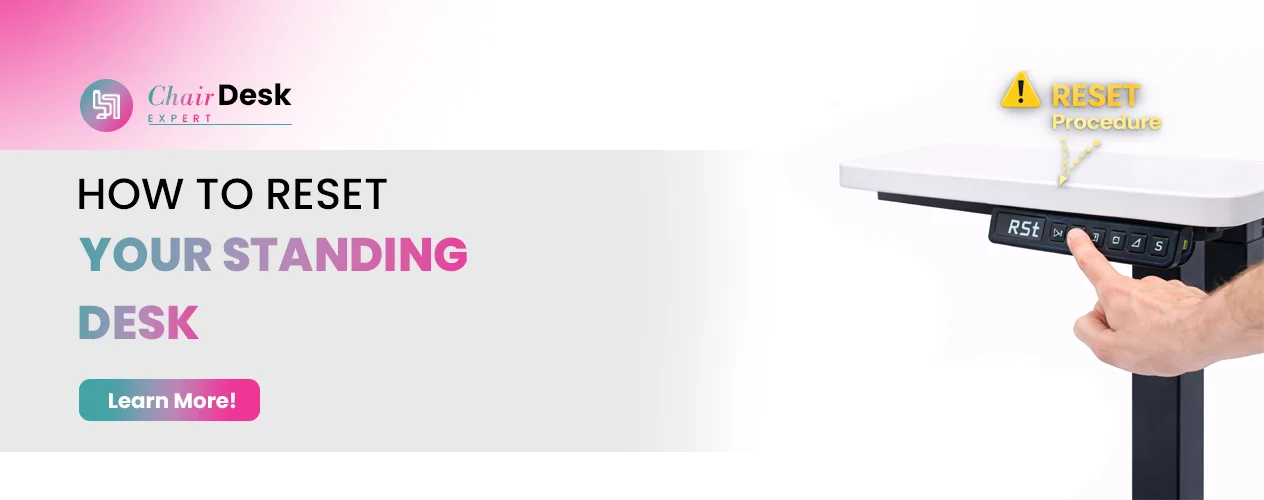
Are you having problems with your standing desk? Is it jammed, refusing to move like it should up or down or immovable? We get it. It can be so frustrating to deal with a defiant desk.
Standing desks are now standard in many offices because they create more active, flexible and healthier workspaces where workers can stand while working rather than sitting all day. Sometimes, these desks can go wrong and become inconvenient, such as sticking in one place.
Standing desks are great for keeping fit while working. However, they may sometimes need to reset their devices for proper functioning.
Here is a step-by-step guide on how to reset the standing desk. Reset your standing desk if it moves slowly downstairs or has other issues.
https://www.youtube.com/watch?v=Zs4CG0p_7Ys&t=30s
Learn how to reset your standing desk effectively with these simple steps. First, troubleshoot the causes to resolve the issue.
First, see if there’s too much weight on your standing desk. Every desk has a weight limit it can handle. It’s designed to shut down if it’s overloaded to prevent damage. Remove any extra weight to avoid this issue.
Check if anything is blocking the desk’s movement path.standing desks have sensors that detect obstacles and stop the desk to prevent damage. Something small, like a hanging cabinet or a framed photo, can trigger the sensor. Ensure the desk’s path is clear for smooth operation.
Look if the legs of your standing desk are uneven. There are single- and dual-motor desks, both prone to this issue over time. With dual motors, sometimes one side moves slightly faster, causing unevenness.
This can trigger the desk to stop due to the difference detected by the control box or damage. Single-motor desks can face similar issues if the locking mechanism isn’t working correctly, resulting in one side rising more than the other.
Examine the control box and electronic components for any defects. Loose wires or overheating could be creating problems. The motor may not receive power, or some internal parts might be damaged, so you must hire an expert. Should external factors be eliminated, it would be advisable to contact the manufacturer, mainly if such a desk is still under warranty, to inspect further and repair.
You can reset your standing desk manually by following these steps.
Before starting the reset process, ensure nothing below your desk, especially containers or other objects that could get in the way.
First, unplug your standing desk from the power outlet. Wait for about 30 seconds before plugging it back in. This step helps to reset the desk’s internal system.
Press and hold the button on your desk that controls the movement until the desk reaches its lowest position. This may take some time, and the desk may move slowly as a safety precaution.
The moment the desk gets to its lowest point, loosen the button. Then press it down again and hold it for ten seconds. You might see the desk move slightly or make a clicking sound during this process, which means it is being reset.
After resetting your desk, you can check if it works properly. If issues persist, just contact customer service of the company for further assistance on troubleshooting.
If you face problems like slow movement or forgetfulness, resetting your standing desk may help.
By following these simple steps you can have your table running smoothly within no time at all. Always remember safety comes first and ask for assistance whenever necessary.
Resetting your electric standing desk is a normal part of its maintenance and is essential to ensure smooth functionality. Follow these simple steps.
Before starting the reset process, clear any items that may obstruct the movement of your desk.
Begin by unplugging your desk from the power outlet. Wait for a full 30 seconds before proceeding. This wait time is crucial for the reset to be successful.
While waiting, ensure all cables, including those for the control switch and motor, are securely connected.
After the 30-second wait, plug the power cord back into the wall socket.
Press the down arrow button until the desk lowers to its lowest position. Keep holding the button until the desk slightly rises and then stops moving. Release the button at this point.
Once the desk has stopped moving after the reset sequence, it has been fully reset and should be ready for use.
If your electric sit-stand desk is behaving weirdly, you can reset it using these simple steps:
Remember to follow the specific instructions provided by your desk’s manufacturer for the best results. If you have more inquiries or need assistance, contact the manufacturer or visit their website for more support.
Now you know all about How to reset the standing desk?
Resetting a standing desk is a straightforward process that can help address issues such as stuck movements or malfunctioning controls.
Whether through manual adjustments or electronic initialization, resetting allows the desk to return to its optimal functionality. Remember to follow the specific instructions provided by the desk’s manufacturer and prioritize safety during the reset process.
By effectively resetting the desk, you can ensure a smoother and more comfortable work experience while maximizing the benefits of a standing desk in your workspace.
Yes, electric desks can be manually adjusted if needed. Manual mode is a convenient alternative when electronic adjustment is not possible due to unforeseen circumstances. Always use the specified tools, follow safety protocols, and handle with care during the manual adjustment process.
You can perform a factory reset on most phones through the Settings app. If you’re unable to access the Settings app, you can try resetting your phone using its power and volume buttons. For device-specific instructions, we recommend consulting your manufacturer’s support site.
To reset a Linak electric desk, you need to initialize it. This process is straightforward and can be completed in a few minutes. Hold the down button in the lowest desk position for 10 seconds each until the desk retracts slightly.
Raise your monitor height to be level with your eyes.
Position your eyes to be 20-28 inches from the monitor screen.
Tilt your monitor to a 20-degree angle.
Switch to standing every 20-30 minutes to avoid prolonged sitting.
Here’s how you can reset an Autonomous standing desk:
1: Unplug the desk for 20 seconds. Then, plug it back in. Wait for a full 20 seconds.
2: Press the up and down buttons simultaneously until the desk lowers ultimately, or you hear a beep, or 20 seconds have passed.
3: Release both buttons.
4: Press the down button until the desk beeps once more or if 20 seconds pass.
Expert reviews, guides, and insights for your perfect setup